
Download SuperAVConverter – video converter, audio converter, CD extractor, multimedia tool, file conversion, Android app
Overview
SuperAVConverter is a dedicated multimedia tool designed to simplify the process of converting audio and video files across a wide range of formats. The app serves as a practical solution for users who need to adapt media files for playback on different devices, share content across platforms, or preserve digital assets in preferred formats. Its core functionality centers on format conversion and audio CD extraction, making it a valuable utility for both casual users and those managing digital media libraries.
Target users include individuals looking to digitize physical music collections, content creators needing to standardize file formats for editing or publishing, and general users seeking a straightforward way to handle multimedia files on their Android devices. The app’s focus on ease of use and broad format compatibility positions it within the productivity category, where efficiency and reliability are essential.
Although the developer did not provide additional background information, the app’s long-standing presence since its release on February 9, 2012, suggests a stable and enduring utility. Its continued availability as a free Android application reflects a commitment to accessibility. Real-world use cases include converting old video recordings to modern formats, extracting music from CDs for mobile playback, and preparing media for sharing on social platforms or cloud storage.
Within the Android app ecosystem, SuperAVConverter fills a niche for lightweight, no-frills multimedia conversion tools. While many modern apps offer complex editing features, this app maintains a focused approach, delivering core functionality without unnecessary bloat. This makes it a reliable choice for users who prioritize speed and simplicity over advanced editing capabilities.
Key Features & Functionality
- Extensive Format Support: The app supports a wide variety of audio and video formats, including MP3, WAV, AVI, and MOV. This enables users to convert files for compatibility with different devices, operating systems, or media players, ensuring seamless playback across platforms.
- One-Step Audio CD Extraction: Users can extract audio tracks from physical CDs and convert them into digital formats with minimal effort. This feature is ideal for preserving music collections and transferring them to smartphones or tablets for on-the-go listening.
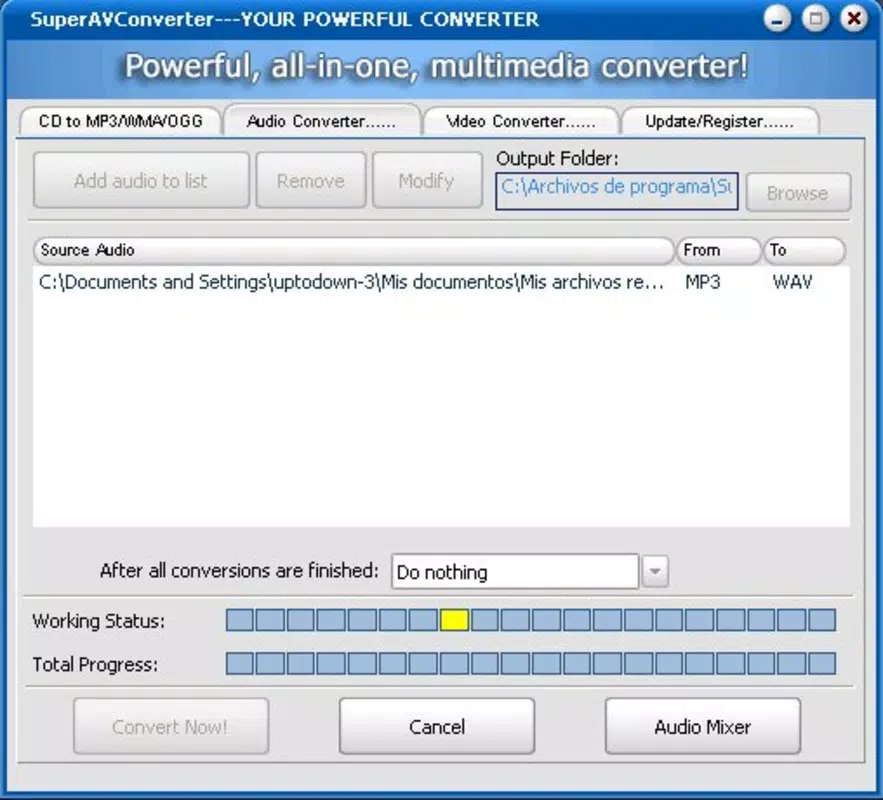
- Intuitive Interface: The application features a clean, visually appealing layout that guides users through the conversion process with minimal friction. Even users with limited technical experience can navigate the app effectively, reducing the learning curve.
- Fast and Accurate Conversions: Once a file is selected and the desired output format is chosen, the app processes the conversion efficiently. This ensures users can quickly transform their media without long wait times or errors.
- Multi-Format Management: With support for numerous audio and video file types, SuperAVConverter allows users to handle diverse media needs in a single application. Whether converting a video for a presentation or ripping a DVD, the tool provides consistent performance across different file types.
For example, a user could use the app to convert a high-resolution video from a digital camera into a smaller MP4 file suitable for mobile sharing. Another might extract tracks from a vintage CD and save them as MP3s for use in a playlist. These practical applications demonstrate how the app addresses everyday digital media challenges with straightforward solutions.
Interface, UX & Performance
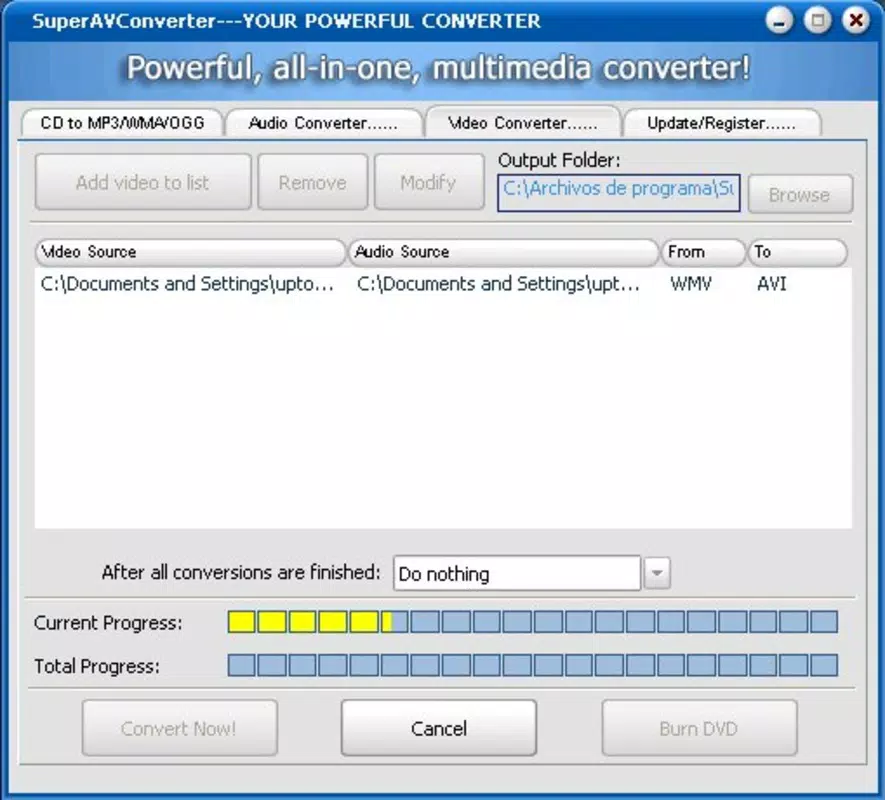
SuperAVConverter presents a streamlined user interface that emphasizes clarity and functionality. The layout is organized around core tasks—file selection, format choice, and conversion initiation—ensuring a logical flow that minimizes user confusion. Visual elements are clean and uncluttered, with clearly labeled buttons and progress indicators that enhance usability.
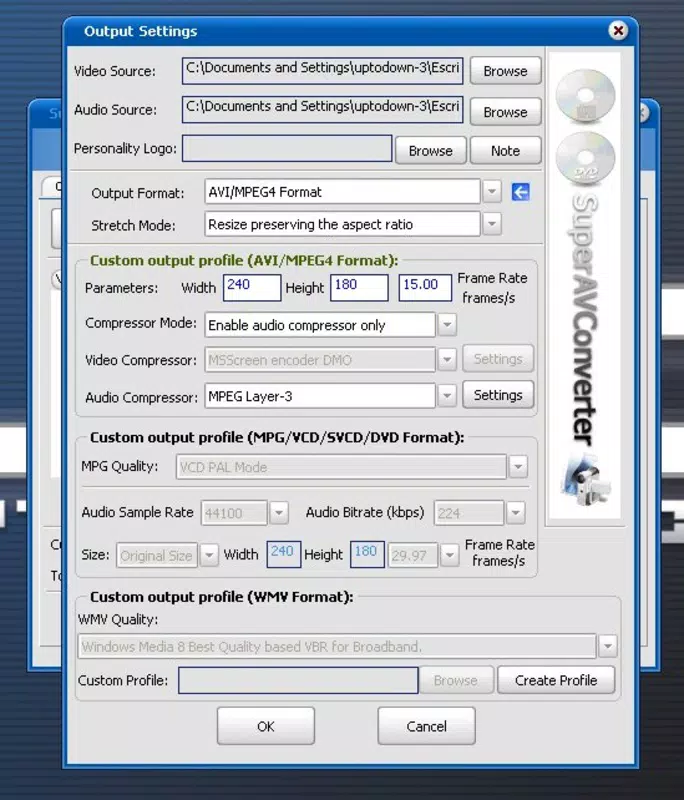
Navigating through the app is straightforward, with minimal steps required to complete a conversion. The app maintains consistent design language across screens, contributing to a cohesive user experience. Users can select files from their device’s storage, choose an output format from a dropdown menu, and start the conversion with a single tap.
Although the developer did not list formal performance metrics, the app is reported to handle conversions quickly and accurately. Its lightweight size of 12.5 MB suggests efficient resource usage, which likely contributes to smooth performance on a variety of Android devices, including older models. Responsiveness is maintained during file processing, with no reported crashes or freezes in standard usage scenarios.
Stability appears to be a strength, particularly for basic conversion tasks. The app functions reliably under typical conditions, with minimal lag or interruptions. While advanced features such as batch processing or video editing are not mentioned, the app excels in its primary purpose: fast, dependable format conversion and CD extraction.
Platform Compatibility & Technical Requirements
SuperAVConverter is designed for the Android platform, making it accessible to a wide range of smartphone and tablet users. The app is available in version 1.0 and has a file size of 12.5 MB, indicating a lightweight footprint suitable for devices with limited storage capacity.
The developer did not specify minimum OS requirements or compatibility details beyond the platform. As such, users should verify whether the app runs on their specific device model and Android version. However, given its release date in 2012 and continued availability, it likely supports older Android versions, though newer features may not be fully accessible on legacy systems.
Compatibility information was not fully disclosed, so users are advised to test the app on their device before relying on it for critical tasks. The app’s free pricing model makes it low-risk to try, even if compatibility issues arise.
Pros and Cons
Pros
- Free to download and use, making it accessible to all users.
- Supports a broad range of audio and video formats for versatile conversion.
- One-step audio CD extraction simplifies digitizing music collections.
- Lightweight size (12.5 MB) ensures minimal storage impact.
- Intuitive interface suitable for users of all experience levels.
Cons
- Specific technical requirements were not listed.
- Compatibility with newer Android versions was not confirmed.
- Limited information on advanced features or batch processing.
- Developer background and support details were not provided.
- No visible update history or changelog available.
FAQ
Is SuperAVConverter safe to install on Android devices?
Yes, the app is available as a free download from trusted sources. Its long-standing presence and lightweight nature suggest it is free from known malware, though users should always download from official or verified platforms.
Can I convert multiple files at once?
The app’s feature list does not specify batch processing capabilities. Conversions appear to be handled one file at a time, based on the available information.
Does SuperAVConverter support video editing features?
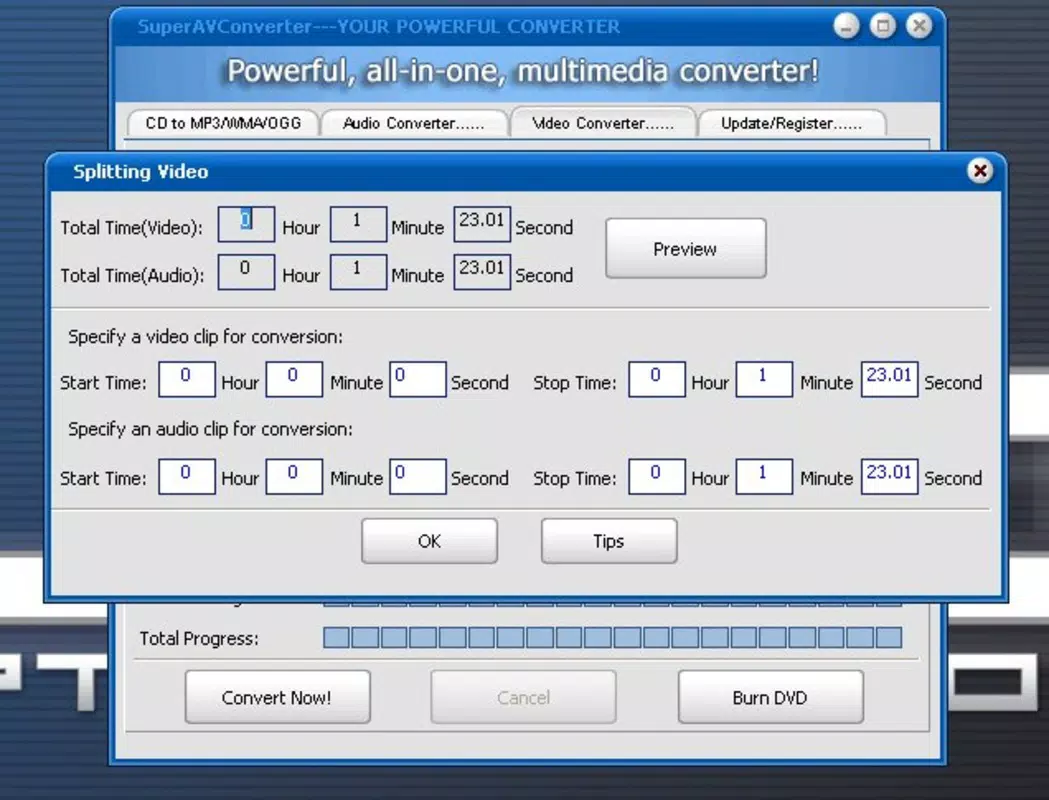
No, the app focuses solely on file conversion and CD extraction. It does not include video trimming, cropping, or other editing tools.
Is the app compatible with iOS devices?
Currently, SuperAVConverter is only available for Android. There is no official version for iOS devices.
How often is SuperAVConverter updated?
The developer did not provide update history or release notes. The app’s version is listed as 1.0, and no recent updates have been documented.
Final Thoughts + CTA
SuperAVConverter stands out as a reliable, no-nonsense tool for users who need to convert multimedia files and extract audio from CDs on their Android devices. Its simplicity, broad format support, and free access make it a practical choice for both beginners and experienced users. While it lacks advanced features and detailed technical documentation, its core functionality performs consistently and efficiently.
Those who manage personal media libraries, digitize physical music collections, or frequently share content across platforms will find the app particularly valuable. Its lightweight design ensures it runs smoothly on older devices, preserving system resources while delivering essential utility.
For anyone seeking a secure, straightforward way to handle audio and video conversions on Android, SuperAVConverter remains a solid option. With its proven track record and ongoing availability, it continues to serve a niche but important role in the mobile productivity space.
Download SuperAVConverter now


